We have the IDE, the agent, and Figma. But there is a fourth tool we have not talked about yet — the browser.
The browser is already on your machine. You do not need to install anything extra. But its role in this stack is bigger than most designers expect.
Why the browser matters
When you work with AI, AI is machines talking to machines. The natural output of that conversation is code — usually HTML and CSS. AI is genuinely better at producing code than at producing static visuals, so prototyping in the browser is smooth and fast.
HTML is machine-readable. Claude can write it, read it back, edit it, and check how it looks — all without a human in the middle. The browser is where we see the result of that loop.
What you can do in the browser
The browser is not just a preview window. It is a place to:
- Ideate rapidly. Try layouts and ideas faster than you could in Figma.
- Do actual visual design. Push on type, color, spacing, and interaction directly on the live page.
- Build your design system. You can define tokens, typography, and components in markdown and JSON files inside VS Code. No Figma required. For a growing number of projects, Figma is no longer part of the loop.
- Work with real components. If your developers already maintain components in Storybook or a similar system, you can use those actual components in your designs. The browser lets you compose real UI with real code — which is what Figma has always tried to simulate.
Figma and the browser, side by side
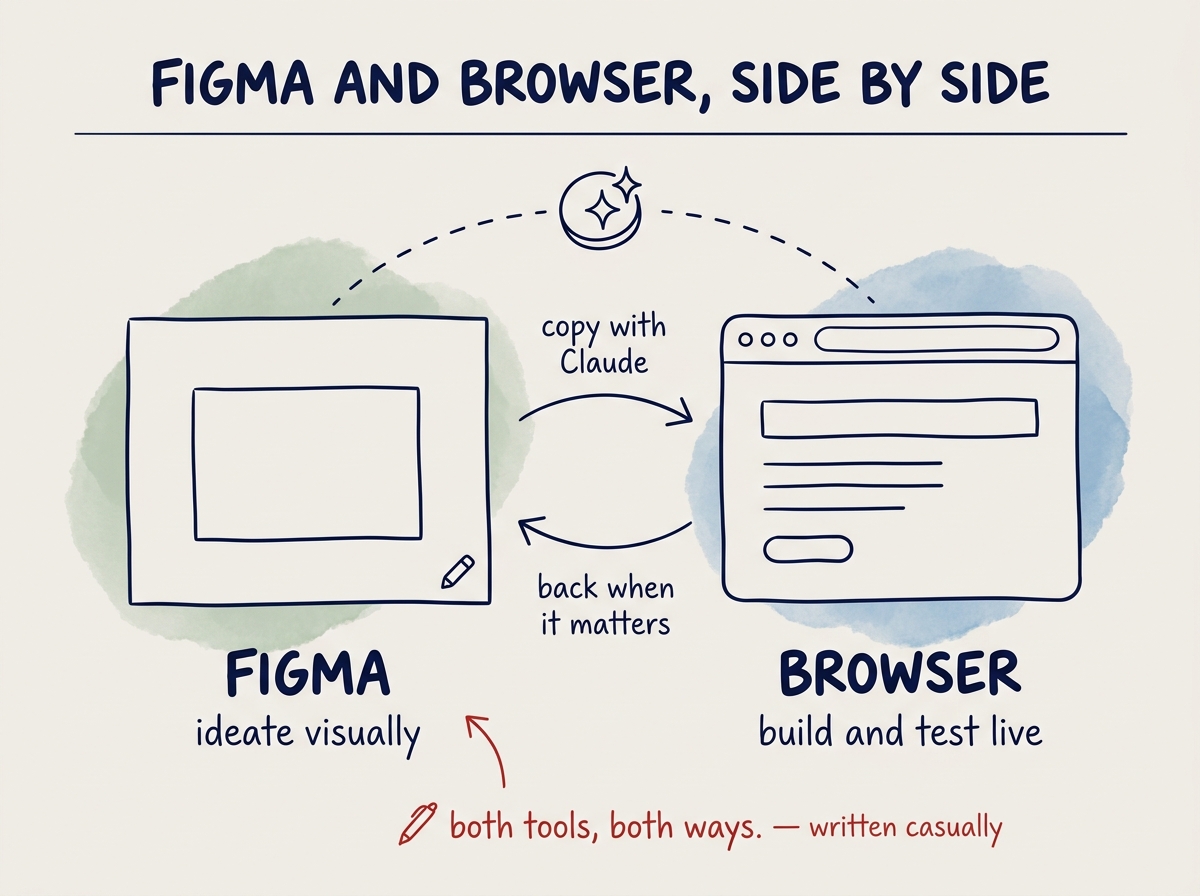
For a lot of teams, the workflow now moves back and forth between Figma and the browser.
- Ideate visually in Figma, where the white canvas is still the most natural place to start.
- Copy that work into the browser using Claude, and iterate further in HTML.
- Go back to Figma for the parts that still belong there — stakeholder review, design system maintenance, documentation.
Claude makes both directions cheap. You move between the two tools as often as the work needs.