People keep saying Figma is dead. It is not.
Figma is still the industry standard for doing design work in real design teams. It is still where design systems live. It is still how most designers ideate visually and how they share work with stakeholders.
What changes with AI in the stack is not that Figma goes away. What changes is how you use it.
How Claude changes the way you use Figma
For now, you typically do not use Claude to design visually in Figma. You do not tell Claude, "make me a beautiful layout in Figma." It is not good at that yet.
What Claude is good at is managing your Figma file. You control Figma from within Claude, and that unlocks a different kind of work:
- Create and update design tokens
- Create and organize components
- Write and maintain design system documentation
- Turn a Figma design into HTML code
- Turn an HTML page or live site into Figma frames
Your design file becomes something Claude can read and write. It stops being a dead end.
What the Figma MCP lets you do
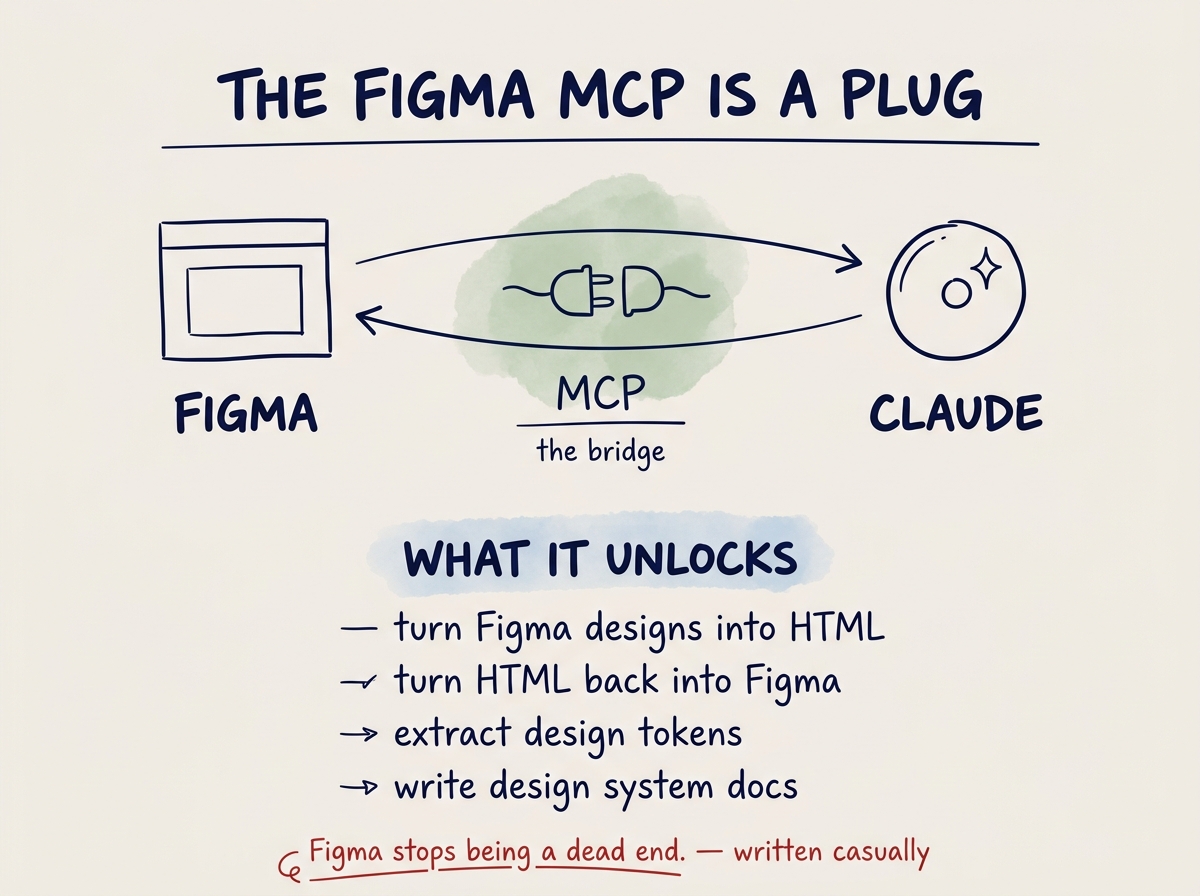
For Claude to talk to Figma, we need a bridge. That bridge is called the Figma MCP.
Once the Figma MCP is connected, Claude can help you:
- Turn a Figma design into HTML. Open a frame, read the layout, produce working code.
- Turn HTML into Figma. The reverse. Give Claude a live site or a prototype and get a Figma version back.
- Create design tokens. Extract colors, spacing, and typography into a token system.
- Write design guidelines. Claude reads your components and writes documentation that reflects what is there.
- Manipulate Figma from Claude. Move frames, create variants, update component properties — from the IDE.
What an MCP actually is
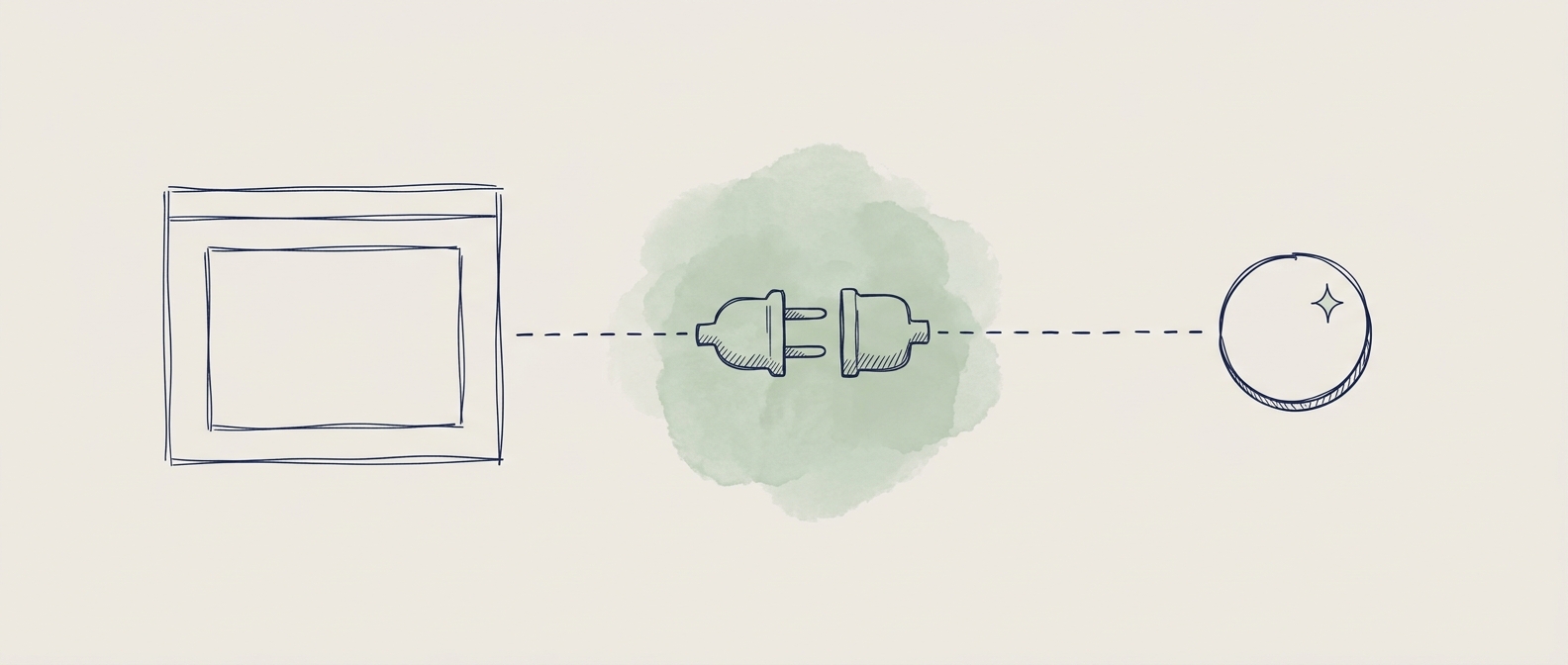
An MCP — a Model Context Protocol — is how Claude talks to other tools. You can think of it as a plug. You plug Claude into Figma, and now Claude can see your designs and act on them.
That is all you need to know for now. An MCP is a plug between Claude and another tool. We go deeper on MCPs in Part 2.