What Claude Code is
Claude Code started as an LLM agent in the terminal. It was the first Claude product that could open files, edit files, run code, and take actions on your computer. That is what made it different from the chat window. A chat LLM talks. Claude Code works.
You type claude in the terminal and a conversation opens. You tell it what you want in plain language. It reads files, writes files, runs scripts, and does the work you asked for.
Claude Code in the terminal is the original way to use Claude, and it is still the most efficient way for a lot of tasks. When you need to get real work done, the terminal tends to be where it happens.
The terminal is not scary
For most designers the terminal has always been a developer tool. A black window with white text. Something you did not touch.
In reality, Claude Code is not scary at all. You do not have to code anything. You just talk to Claude in plain language. You ask for what you want, and Claude does it.
Running Claude Code inside VS Code
The terminal is powerful, but it lives on its own. Most of us want the terminal next to our files. That is why people run Claude Code inside VS Code.
It looks like this.
- On the left, the file tree. Your project files.
- In the middle, the editor. The file you are looking at.
- On the right, Claude Code. The terminal, embedded in the IDE.
You can see what Claude is doing and what your files look like in the same window.
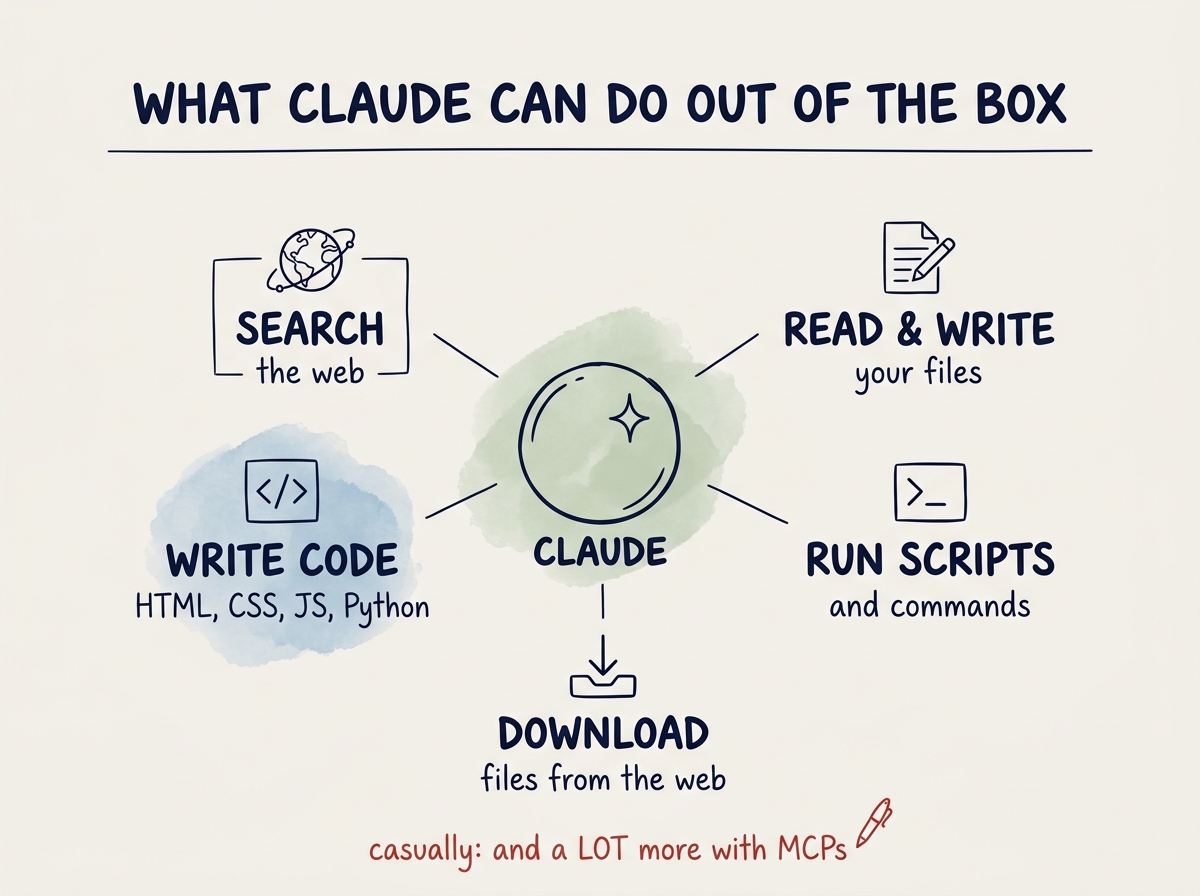
What Claude can do out of the box
Claude has a number of tools built in. Once Claude is running, it can:
- Search the web
- Create, read, and edit files
- Write HTML, CSS, JavaScript, Python, Swift
- Run scripts and commands
- Download files
That is already a lot. But Claude can do much more once you connect it to other software through something called an MCP. That is how Claude learns to control Figma, your browser, your design system, and more. We get to that in the next chapter.